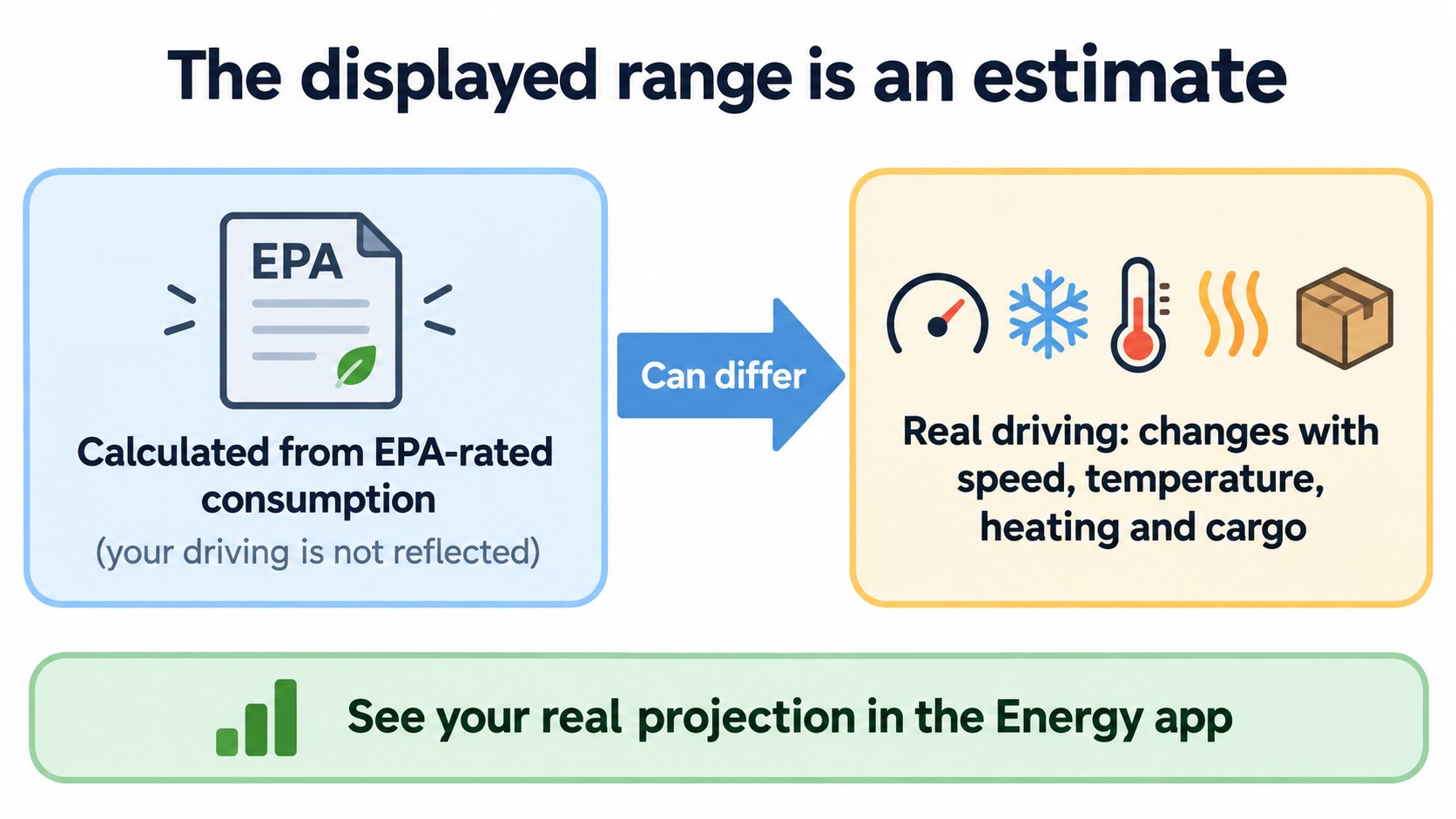
According to Tesla's Model 3 owner's manual (North America), the range shown is an estimate of the remaining battery energy based on EPA-rated consumption. It does not account for your personal driving patterns or outside conditions, so the displayed range can fall faster than the distance you drive. You can see a projection based on your actual consumption in the Energy app. Speed, acceleration and braking, cold weather, climate control and cargo all change consumption.
In Why charging speed changes and the heat pump, we saw that cold and battery temperature affect how far you can go. In this article we check how the displayed range itself is calculated, in Tesla's official sources.
The conclusion: the displayed range is an EPA-based estimate
The Model 3 owner's manual ("Getting Maximum Range", North America, software 2026.32) says (summary):
- The range shown is an estimate of remaining battery energy based on EPA-rated consumption. It may not account for your personal driving patterns or external conditions.
- So the displayed range may decrease faster than the actual distance driven.
- To see a projection based on your recent consumption, open the Energy app.
- Rated range is based on US EPA consumption, which deviates from tests advertised in other jurisdictions (a note in the manual).
Tesla's support page "Range Tips" agrees: the displayed range is based on EPA certification test data, not personal driving patterns, so it is natural for it to fall at a different rate than the distance driven.
[A note for beginners]
The EPA is the US Environmental Protection Agency, which sets test standards for vehicle efficiency. Other countries, including Japan, may use different standards (such as WLTC). This is a general explanation; we did not check Japanese materials.
What changes consumption (what the sources list)
The manual and Range Tips list factors for driving and for parking.
While driving:
- High speed (Range Tips: doubling speed can require up to four times as much energy per mile).
- Weather (cold, heat, headwinds, crosswinds).
- Heating or cooling the cabin.
- Uphill driving (downhill regains some energy through regeneration).
- Short trips and stop-and-go traffic (energy is needed to bring the cabin and battery to temperature).
- Heavy cargo, open windows, tires and maintenance, accessories such as roof racks.
- Hard acceleration and braking (hard braking can reduce regeneration efficiency).
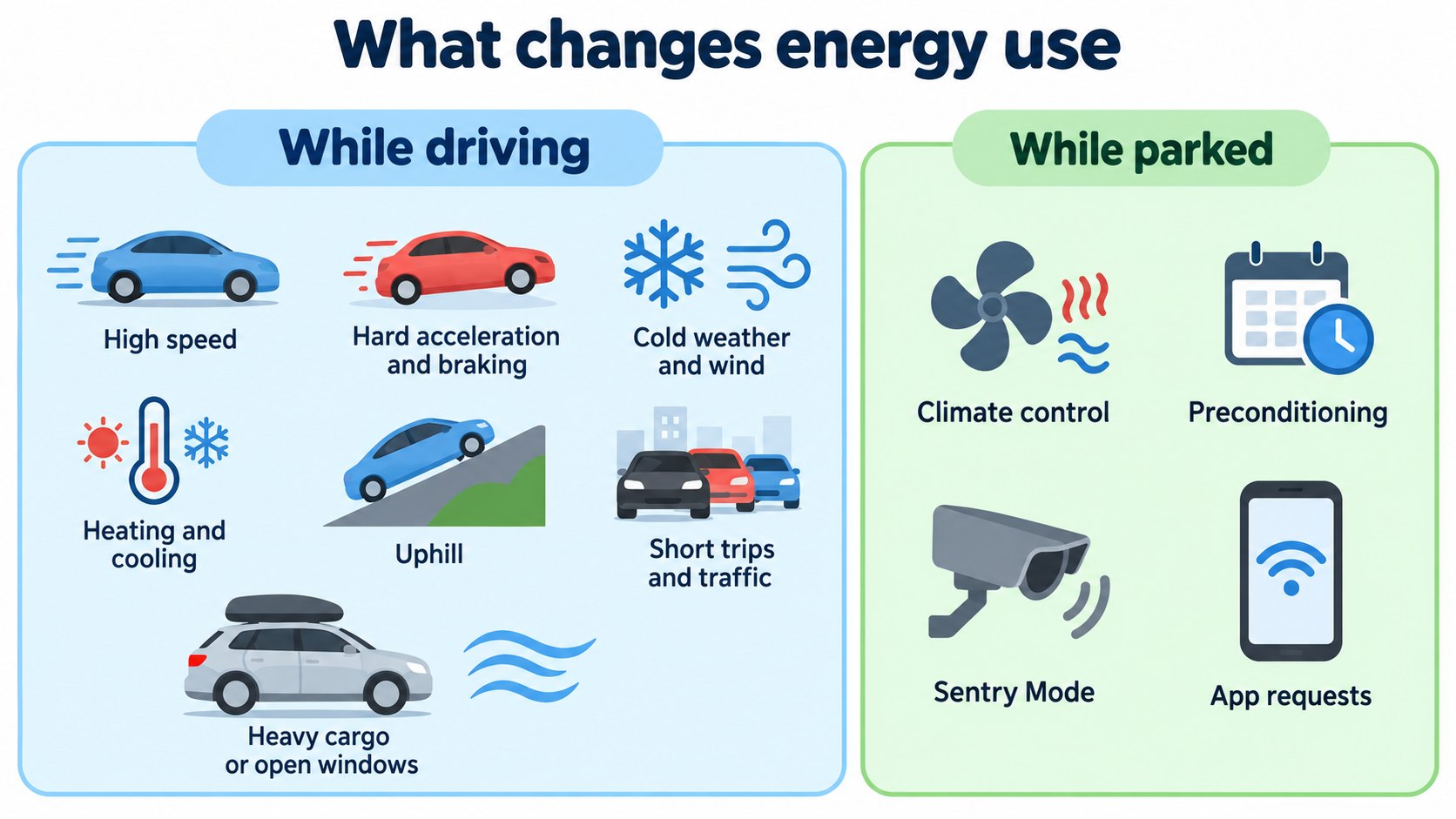
While parked and not plugged in: climate controls, preconditioning, Summon, infotainment, Sentry Mode and mobile app requests. We cover parked consumption in the next article.
Seeing your real consumption: the Energy app
The Energy app on the touchscreen offers (owner's manual, Range Tips):
- Drive: energy use while driving, broken down by category, with comparisons to projections and range tips for your drive.
- Park: energy lost while parked (since the last drive or since the last charge).
- Trips: compare consumption across drives. A projected range is computed from the last 10, 100 or 200 miles (15, 150 or 300 km); a longer distance gives a more stable projection.
- Consumption is shown in Wh/mi. Lower values increase range.
[A note for beginners]
Wh/mi is watt-hours used per mile. It is the reverse of "miles per gallon": smaller is more efficient. (This comparison is general knowledge.)
Why the figure may dip after charging
Range Tips and the manual say:
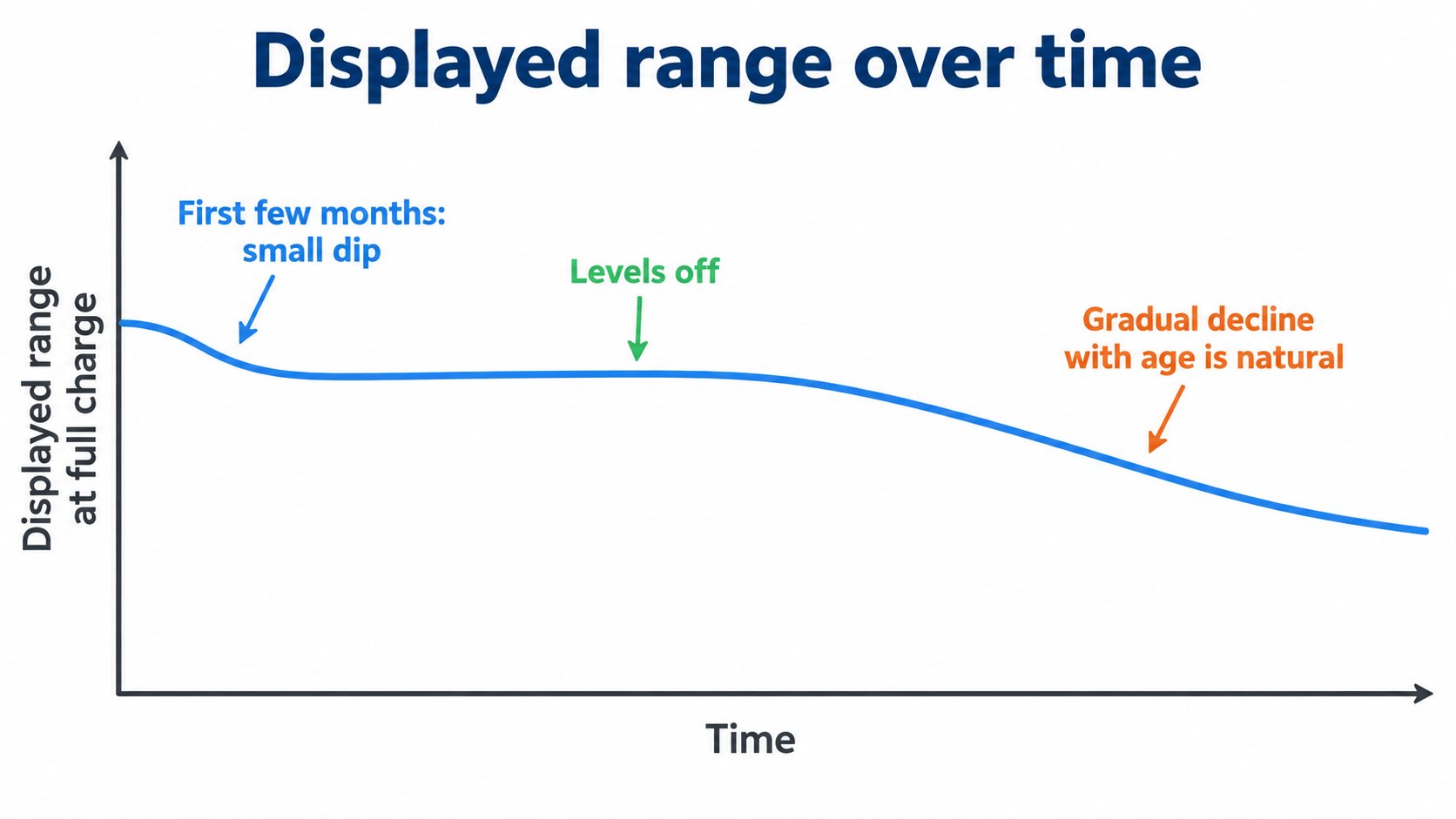
- It is normal for the estimated range to decrease slightly over the first few months before leveling off.
- Over a long period, a gradual, natural decrease in range at full charge is expected, depending on mileage and battery age. The car will inform you in the unlikely event a hardware issue is causing excessive degradation.
- If equipped, you can run a Battery Health Test (Controls > Service > Battery Health).
FAQ
How is the displayed range calculated?
According to the owner's manual, it is an estimate of remaining battery energy based on EPA-rated consumption. It does not account for personal driving or outside conditions.
Why does it fall faster than the distance I drive?
Because it is an EPA-based estimate that can differ from your driving, temperature and so on. The Energy app shows a projection from your real consumption.
What makes consumption worse?
High speed, hard acceleration and braking, cold weather, heating, cargo, uphill driving, and short trips or heavy traffic (owner's manual, Range Tips).
The range looks lower after charging.
Range Tips says it is normal for it to decrease slightly over the first few months and then level off. The Battery Health Test can check the battery.
Summary
- The displayed range is an EPA-based estimate; your driving is not reflected (owner's manual, Range Tips).
- Speed, acceleration and braking, temperature, heating, cargo and hills change consumption. The Energy app shows a projection from real data.
- The figure dips a little in the first months, then levels off; a gradual decline with age is natural.
Sources (checked 2026-10-16)
- Model 3 Owner's Manual, "Getting Maximum Range" (North America, software 2026.32): https://www.tesla.com/ownersmanual/model3/en_us/GUID-4AC32116-979A-4146-A935-F41F8551AFE6.html
- Tesla Support, "Range Tips": https://www.tesla.com/support/range
This article is for learning about science and technology and is not investment advice. Facts and the author's reading are kept separate. The figures are AI-generated illustrations.
Thank you for reading. Was this article useful to you?
Thank you. If you like, tell us what you thought in a line or two.
Optional. No name or email needed.
Received. We will use your words to make better articles.