According to Tesla's owner's manual (Model Y, North America), Keep Climate On, Pet Mode and Camp Mode keep climate control running while the car is in Park. Pet Mode keeps a comfortable temperature for a pet and is not intended for people. Camp Mode also powers the USB ports and low-voltage outlet and keeps the screen on. Cabin Overheat Protection runs the A/C when the cabin exceeds 105°F (40°C). All of them use battery energy and can stop under certain conditions.
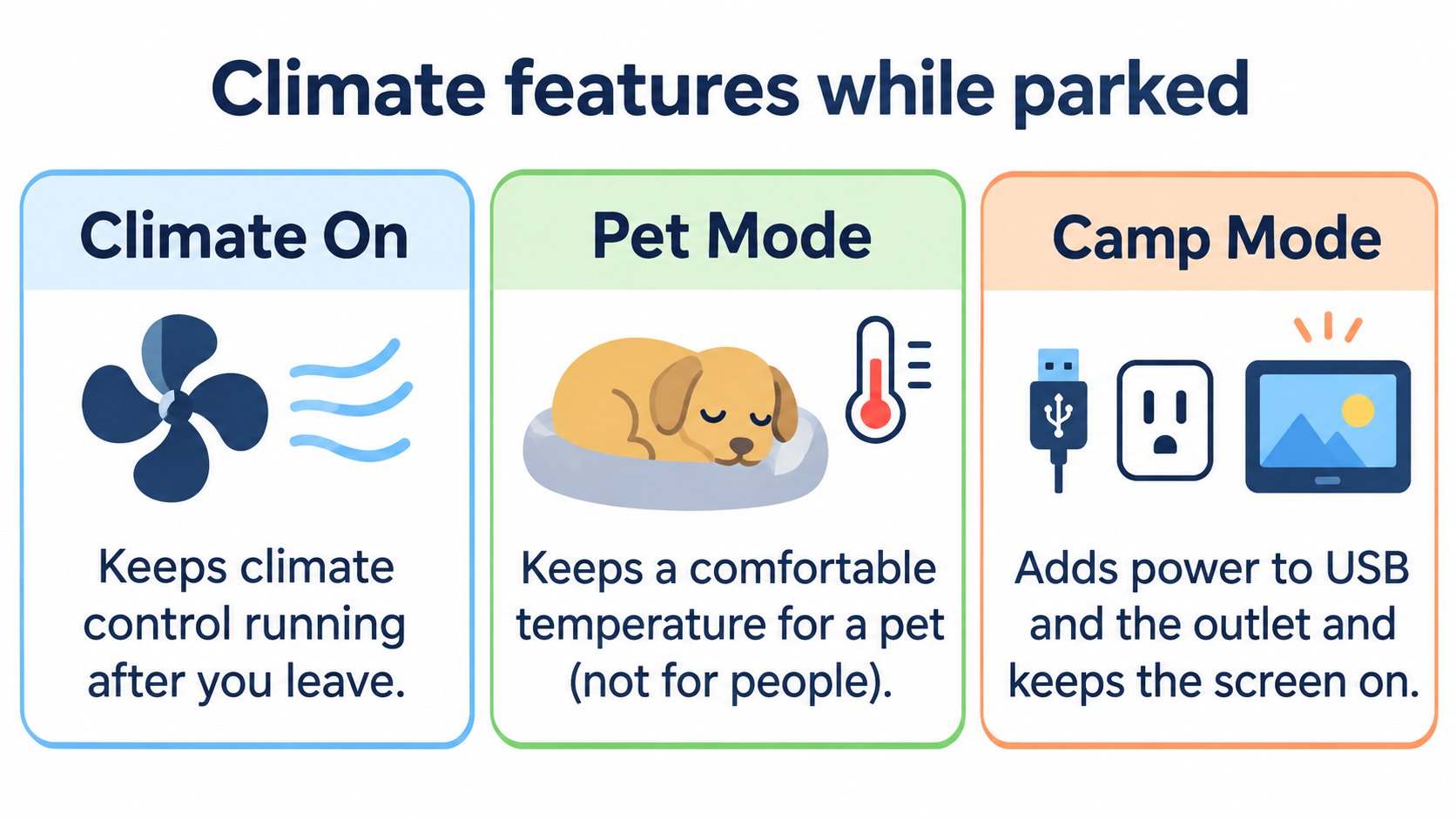
In Does a Tesla lose battery while parked? we saw these features use battery energy. Here we check what each one does, in the Model Y owner's manual ("Operating Climate Controls", North America, software 2026.32).
The conclusion: three features keep climate on; they differ in purpose and extras
| Feature | What it does |
|---|---|
| Keep Climate On | Keeps climate control running after you leave (for example, to prevent groceries spoiling on a hot day) |
| Pet Mode | Maintains a comfortable cabin temperature for a pet; the screen shows the current cabin temperature to tell passers-by the pet is safe. Not intended for people |
| Camp Mode | Climate control plus power to the USB ports and low-voltage outlet; the screen stays on for music, web, games and video. Sentry Mode and the alarm are disabled |
[A note for beginners]
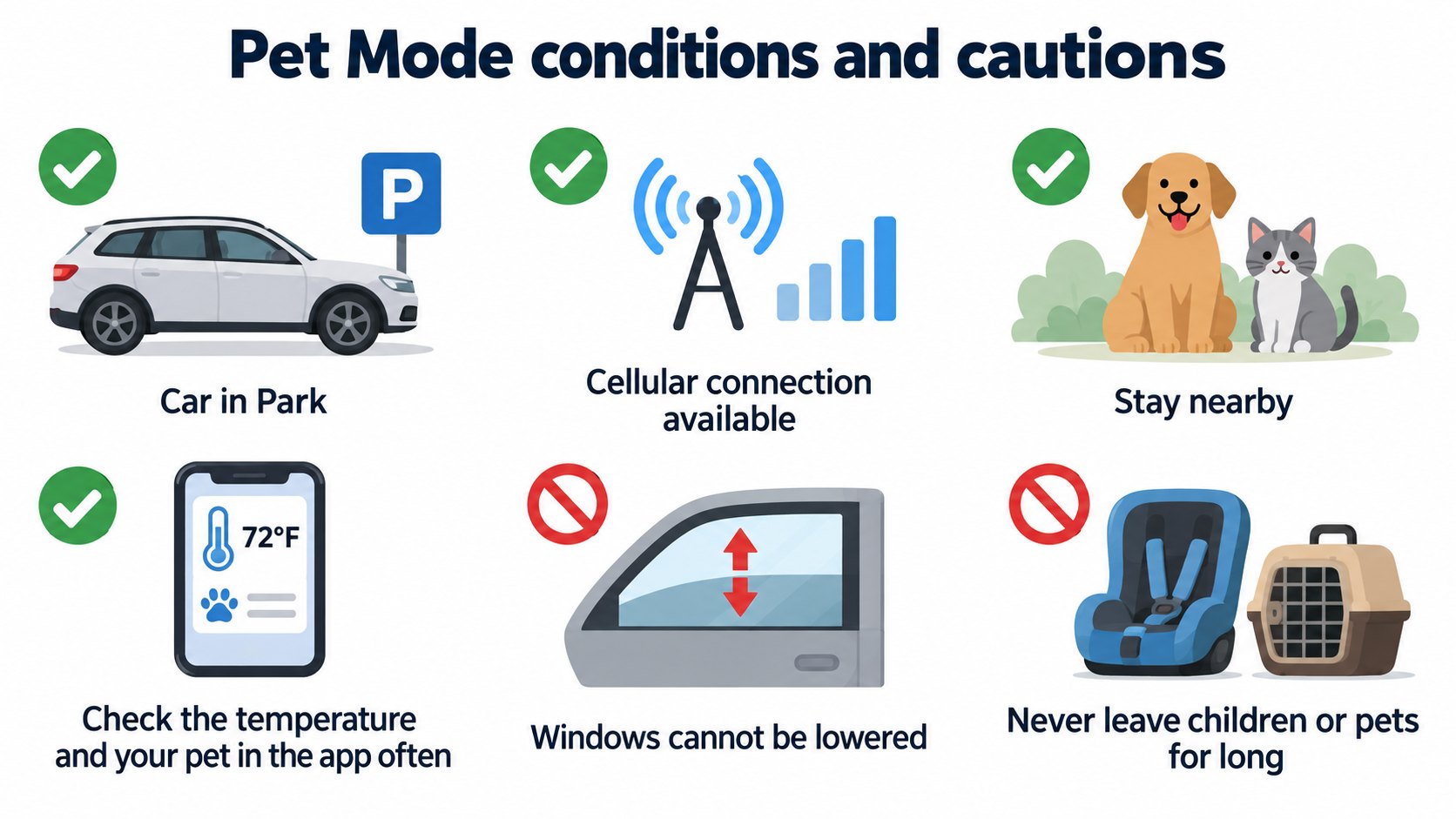
Park is the parked gear state. These features are available only in Park.
Conditions (owner's manual):
- The car must not be in Low Power Mode.
- It must be in Park.
- Choose the feature on the climate screen. You can also use the mobile app.
Safety warnings for Pet Mode
The manual gives several warnings:
- Pet Mode cannot be enabled if the cabin is too hot or the car detects a climate system issue. Make sure the temperature is safe and comfortable first.
- It is for short periods, while you stay nearby and actively monitor the temperature in the app (needs cellular connectivity on both phone and car).
- Windows cannot be rolled down in Pet Mode (so a pet cannot press the switch).
- Never leave a child unattended. Check local laws on leaving pets. You are responsible for your pet.
- If the climate system may not be working as expected, do not use these features. Never rely on your vehicle to protect something irreplaceable.
- Turning climate off in the app stops these features.
What stops them
The mobile app notifies you if the climate turns off, including when:
- the car enters Low Power Mode (Keep Climate On, Camp Mode);
- the battery's charge level drops below 20% (Pet Mode);
- the car detects a climate system issue;
- in Pet Mode, the cabin temperature changes significantly from the level initially set.
Software updates cannot be performed while these are on (see OTA). The manual advises avoiding them when the battery is low.
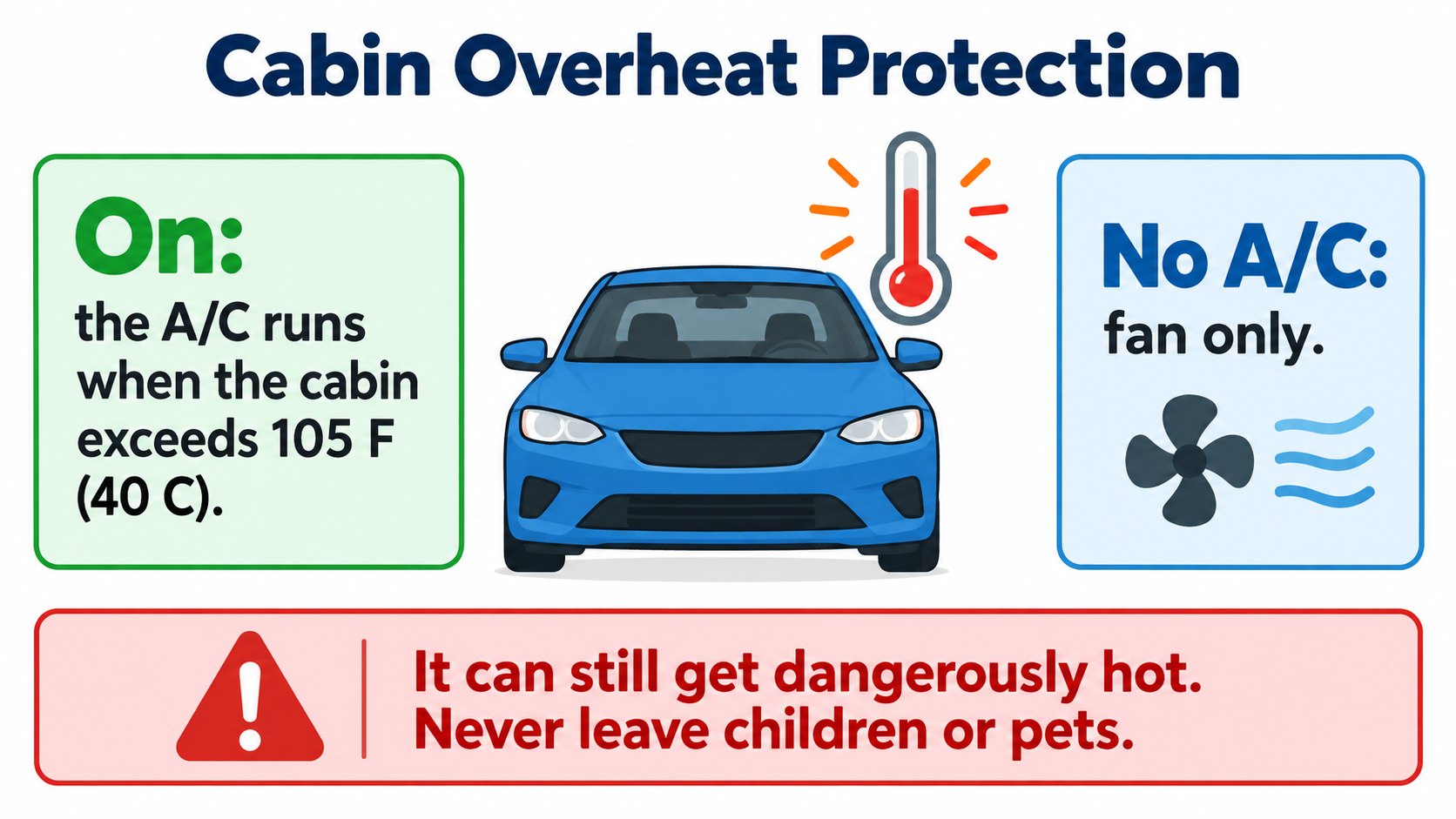
Cabin Overheat Protection
It keeps the cabin from getting too hot in scorching conditions.
- In Controls > Safety > Cabin Overheat Protection choose On, No A/C (fan only) or Off.
- On: the A/C operates when the cabin exceeds 105°F (40°C) (or the selected temperature).
- No A/C: only the fan operates, so touch surfaces do not get too hot.
- It runs for up to 12 hours after you exit, or until the battery drops below the Low Power Mode threshold. It may take up to 15 minutes to enable.
- It is for passenger comfort and has no impact on component reliability. It uses battery energy and may decrease range.
- Warning: because of automatic shut-off or extreme conditions, the cabin can become dangerously hot. Never leave children or pets unattended.
FAQ
Is it safe to leave a pet in Pet Mode?
The manual presumes short periods, staying nearby and checking the temperature and pet in the app often; you are responsible, and it says not to leave pets for long periods.
How does Camp Mode differ from Keep Climate On?
Camp Mode also powers USB and the outlet, keeps the screen on, and disables Sentry Mode and the alarm.
What if the battery runs low?
Low Power Mode stops Keep Climate On and Camp Mode. Pet Mode stops below 20%, with an app notification.
How do I stop the cabin getting too hot?
Turn on Cabin Overheat Protection. The A/C runs above 40°C. It can still get dangerously hot, so never leave children or pets.
Summary
- Keep Climate On, Pet Mode and Camp Mode keep climate on in Park. Camp also powers USB/outlet and the screen.
- Pet Mode: short periods, check in the app, windows stay up, never leave pets or children for long.
- They stop in Low Power Mode, below 20% (Pet Mode) or on a climate fault. Updates cannot install while they are on.
- Cabin Overheat Protection runs A/C above 40°C (up to 12 hours); it can still get dangerously hot.
Sources (checked 2026-10-16)
- Model Y Owner's Manual, "Operating Climate Controls" (North America, software 2026.32): https://www.tesla.com/ownersmanual/modely/en_us/GUID-4F3599A1-20D9-4A49-B4A0-5261F957C096.html
This article is for learning about science and technology and is not investment advice. Facts and the author's reading are kept separate. The figures are AI-generated illustrations.
Thank you for reading. Was this article useful to you?
Thank you. If you like, tell us what you thought in a line or two.
Optional. No name or email needed.
Received. We will use your words to make better articles.