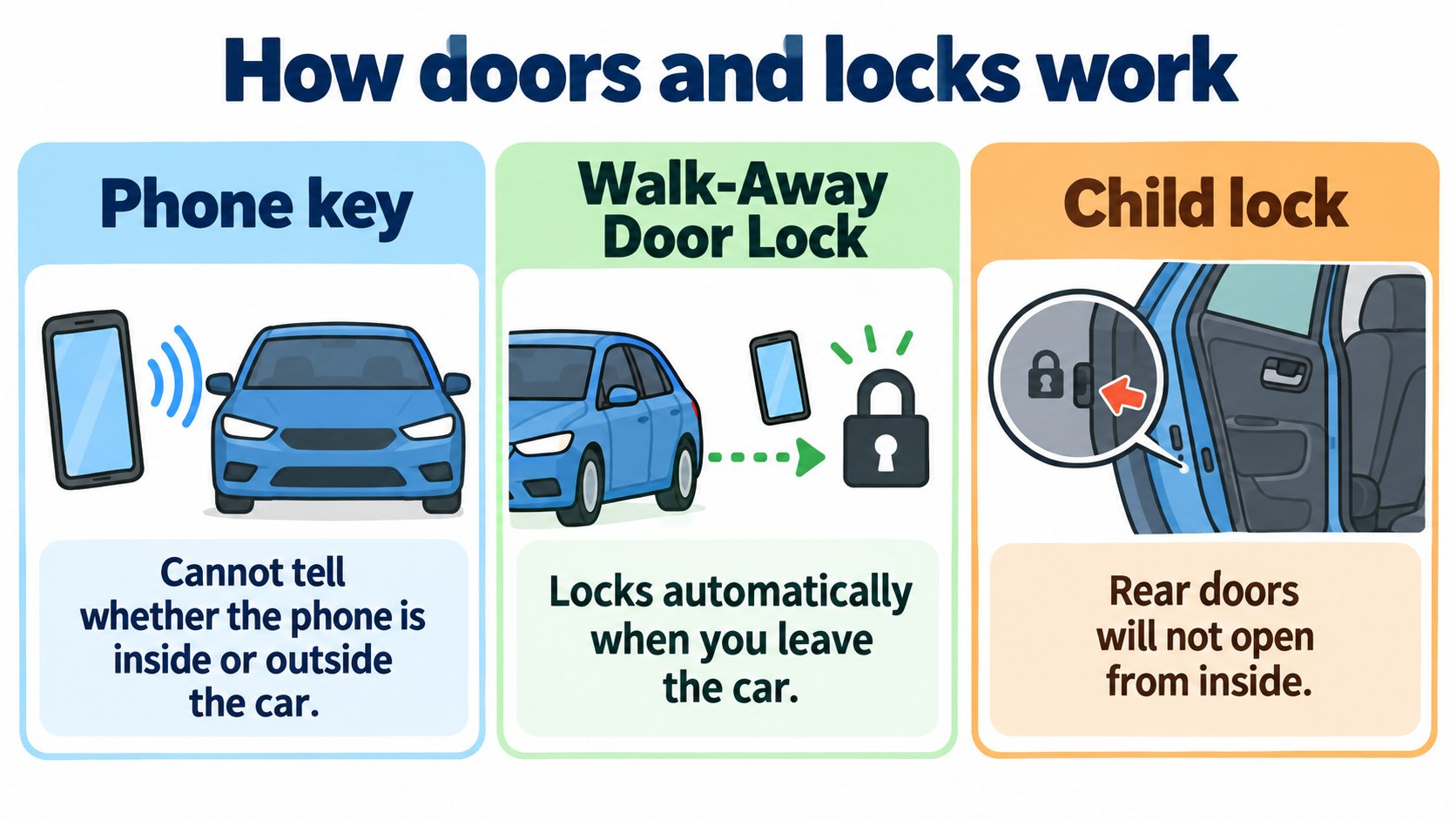
According to the Model 3 Owner's Manual (North America, software 2026.32), the doors are electrically powered, and from inside you press the button at the top of the interior handle. If your phone is the key, the car cannot tell whether the phone is inside or outside. Walk-Away Door Lock locks the car when you leave with your phone, and all doors lock automatically above 5 mph (8 km/h). The rear doors have child locks that stop them opening from inside.
This article summarizes the "Doors" section of the Model 3 Owner's Manual (North America, software 2026.32; checked 2026-10-16).
The conclusion: electric doors, and your phone is the key
- Outside: push the wide part of the door handle with your thumb; the handle pivots toward you and you pull the door open. The handle retracts automatically.
- Inside: the doors are electric. Press the button at the top of the interior handle while pushing the door open.
- With no low voltage power at all, the button cannot open the door; the manual covers this elsewhere (we did not read that part).
[A note for beginners]
Low voltage power is the small supply (such as 12 V) that runs the car's electronics (a general explanation; this section does not detail it).
Phone key: a caution
The manual says (summary):
- If your phone is the key, the car cannot tell whether the phone is inside or outside.
- To lock the doors from inside so they cannot be opened from outside, close the doors and use the lock icon on the touchscreen. This temporarily overrides phone lock settings such as Walk-Away Door Lock.
- Otherwise, even if you press lock in the mobile app, pulling an exterior door handle can unlock the doors, because the phone key is detected.
When it locks automatically
| Feature | Details |
|---|---|
| Walk-Away Door Lock | Doors and trunks lock when you walk away carrying your phone key (or a paired key fob). Turn it on or off at "Controls > Locks > Walk-Away Door Lock". When it locks, the exterior lights flash once and the mirrors fold (if set). |
| Drive Away Locking | All doors and trunks lock automatically when speed exceeds 5 mph (8 km/h). |
| Unlock on Park | You can choose to unlock all doors when you engage Park. |
When Walk-Away Door Lock does not work
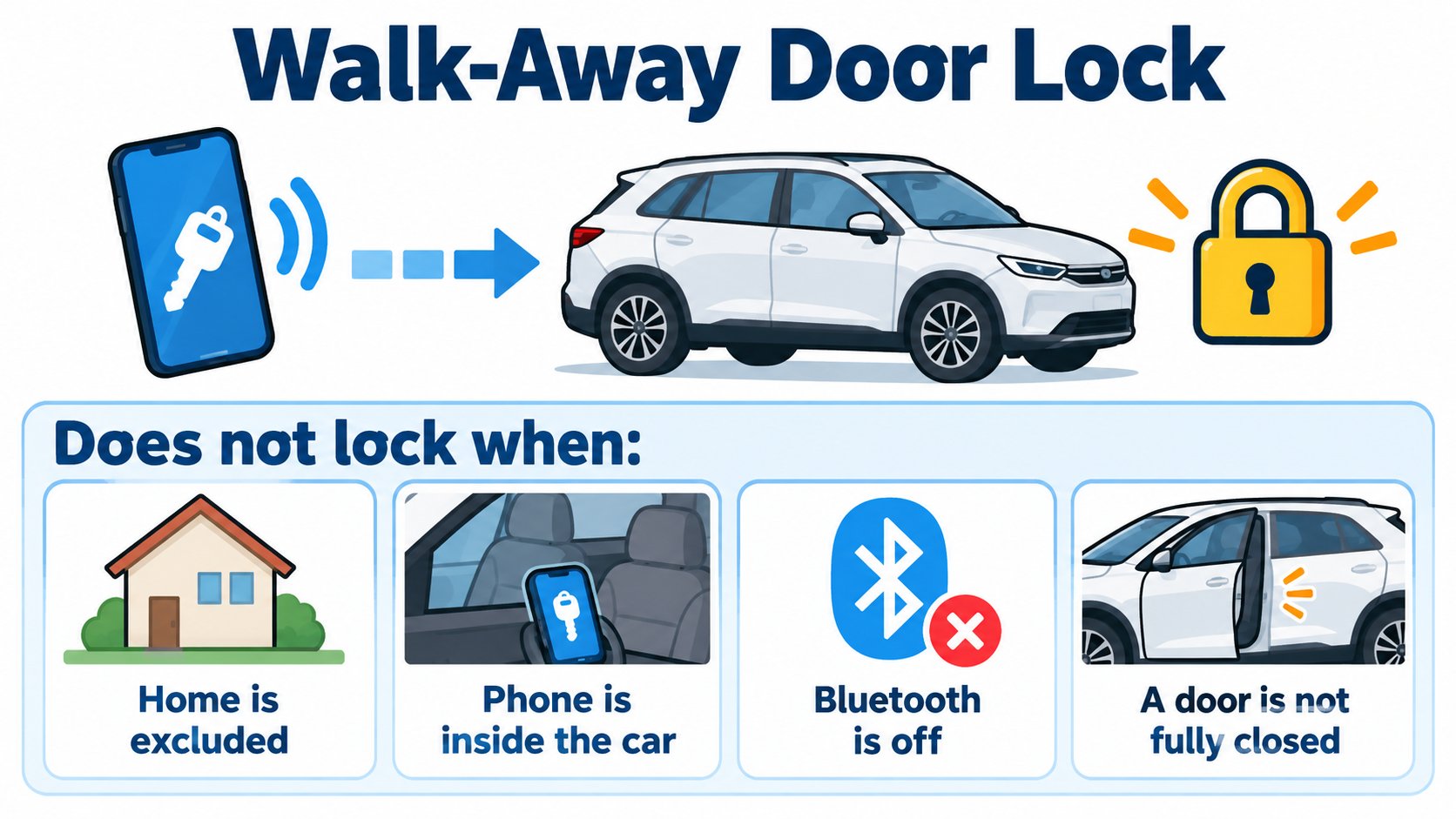
The manual says the car does not lock automatically if:
- "Exclude Home" is checked and the car is parked at your Home location.
- A phone key or key fob is detected inside the car.
- A door or trunk is not fully closed.
- The phone's Bluetooth is off.
- If a key is detected near the car for several minutes after you leave, the feature is disabled (lock manually until your next drive).
- The driver did not exit through the driver door.
The manual also says: "It is ultimately your responsibility to ensure your vehicle is locked."
Other settings
- Driver Door Unlock Mode: on the first unlock, only the driver door unlocks, if a key is on the driver side. Unlock the rest with a long press of the interior handle button, the touchscreen, the app or a second press of the key fob.
- Car Left Open Notifications: a phone notification if a door, trunk or window is left open, or the car is unexpectedly left unlocked.
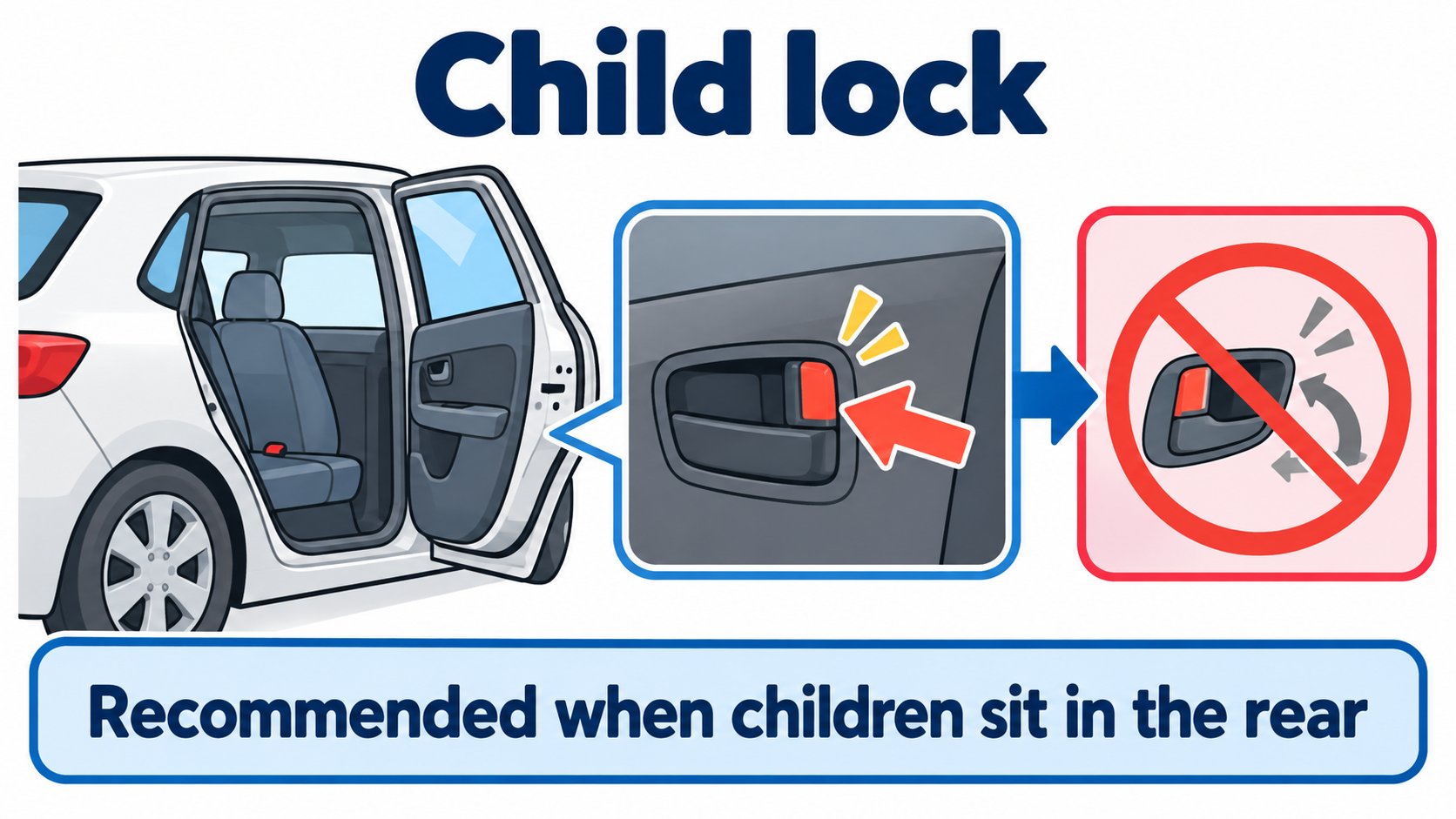
- Child Locks: stop the rear doors being opened with the interior buttons. Choose left, right or both at "Controls > Locks > Child Lock". Turning them on is recommended when children sit in the rear.
Cautions
- Keep fingers, jewelry and acrylic nails from being pinched by the door or handle.
- Slamming or forcing doors or trunks can cause damage not covered under warranty.
FAQ
Does the car lock itself when I walk away with my phone?
If Walk-Away Door Lock is on, yes. It does not lock if Home is excluded, Bluetooth is off or a door is not closed.
Do the doors lock by themselves while driving?
Yes, all doors and trunks lock above 5 mph (8 km/h).
How do I stop children opening the rear doors from inside?
Turn on Child Lock at "Controls > Locks > Child Lock".
Summary
- The doors are electric; inside you press a button.
- The phone key cannot tell inside from outside. To lock from inside, use the touchscreen lock icon.
- Walk-Away Door Lock (locks when you leave) and Drive Away Locking (above 5 mph) exist.
- The rear doors have a child lock.
Sources (checked 2026-10-16)
- Model 3 Owner's Manual, "Doors" (North America, software 2026.32): https://www.tesla.com/ownersmanual/model3/en_us/GUID-7A32EC01-A17E-42CC-A15B-2E0A39FD07AB.html
This article is for learning about science and technology and is not investment advice. Facts and the author's reading are kept separate. The figures are AI-generated illustrations.
Thank you for reading. Was this article useful to you?
Thank you. If you like, tell us what you thought in a line or two.
Optional. No name or email needed.
Received. We will use your words to make better articles.