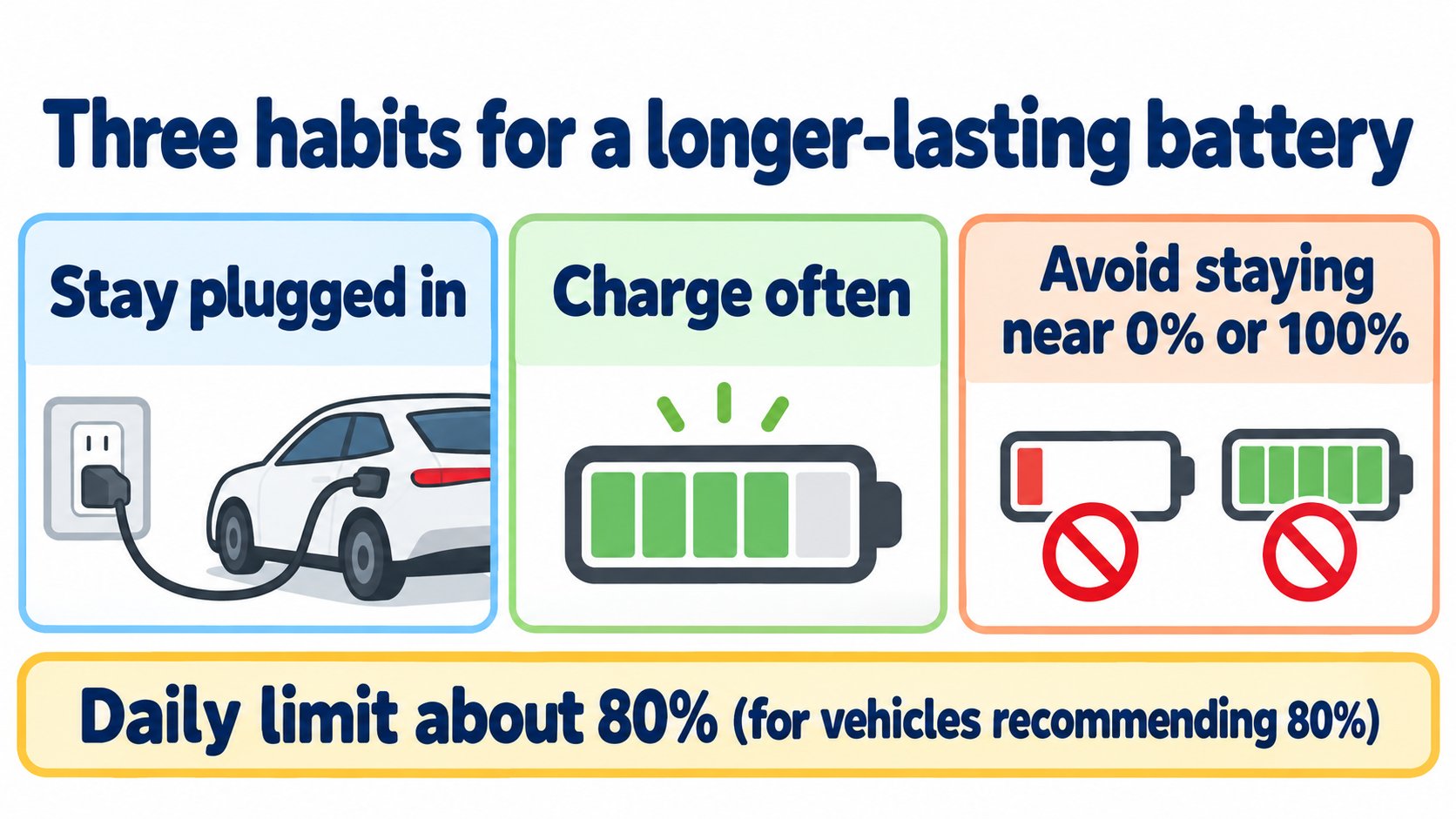
According to the Model 3 Owner's Manual (North America, software 2026.32), the most important way to preserve the Battery is to leave the vehicle plugged in when not in use. There is no advantage to waiting until the level is low; the Battery performs best when charged regularly. Charge mainly at Level 1 or 2, keep the daily charge limit at about 80% for vehicles recommending 80%, avoid long periods near 0% or 100%, and store at about 50%. Parked, it can lose about 1% per day.
This article summarizes "High Voltage Battery Information" in the Model 3 Owner's Manual (North America, software 2026.32; checked 2026-10-16). For charging speed see the charging speed article; for parked energy use see the parked energy use article.
The conclusion: plug in, charge often, avoid 0% and 100%
The manual says (summary):
- The most important way to preserve the Battery is to leave the vehicle plugged in when you are not using it, especially if you will not drive for weeks.
- There is no advantage to waiting until the Battery is low. The Battery performs best when charged regularly.
- The Battery naturally degrades with time and use; maximum range when fully charged can gradually reduce.
[A note for beginners]
Level 1 and Level 2 mean slower charging from a household outlet or a wall charger. A Supercharger is fast charging (a general explanation).
The manual's tips for battery health
| Tip | Details |
|---|---|
| How to charge | Charge at Level 1 or 2 (outlet or wall charger) whenever possible. Save Supercharging for road trips. |
| Daily limit | For vehicles with a recommended daily limit of 80%, keep it at about 80%. Use 100% before long drives. |
| Charge often | Waiting until the Battery is low can strain it over time. |
| Avoid 0% and 100% | Do not leave the Battery near 0% or 100% for long periods. |
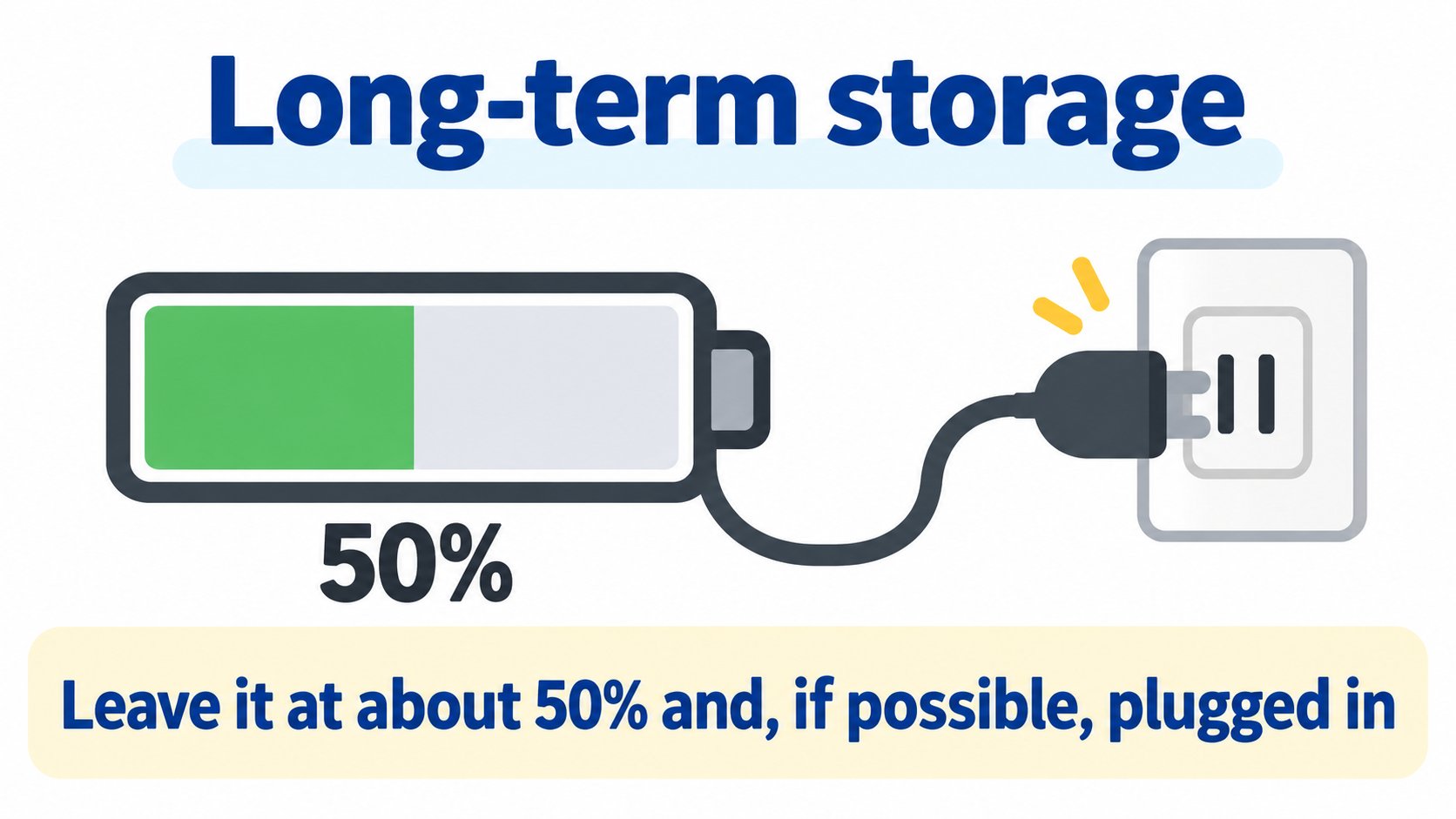
| Long-term storage | Leave it at about 50% and, if possible, plugged in. Charge settings can hold 50%. |
Cutting energy use while parked
The manual lists these as energy used while neither driving nor charging:
- Sentry Mode, USB ports and outlets (even with nothing connected), climate features (Pet Mode, Camp Mode, Cabin Overheat Protection, Keep Climate On), preconditioning while unplugged, and entertainment such as games and video.
Ways to reduce it:
- Turn Sentry Mode off at safe places such as Home or Work.
- Precondition while plugged in (scheduled).
- Park in the shade on hot days.
- Stream video or play games after plugging in.
How much it drains while parked
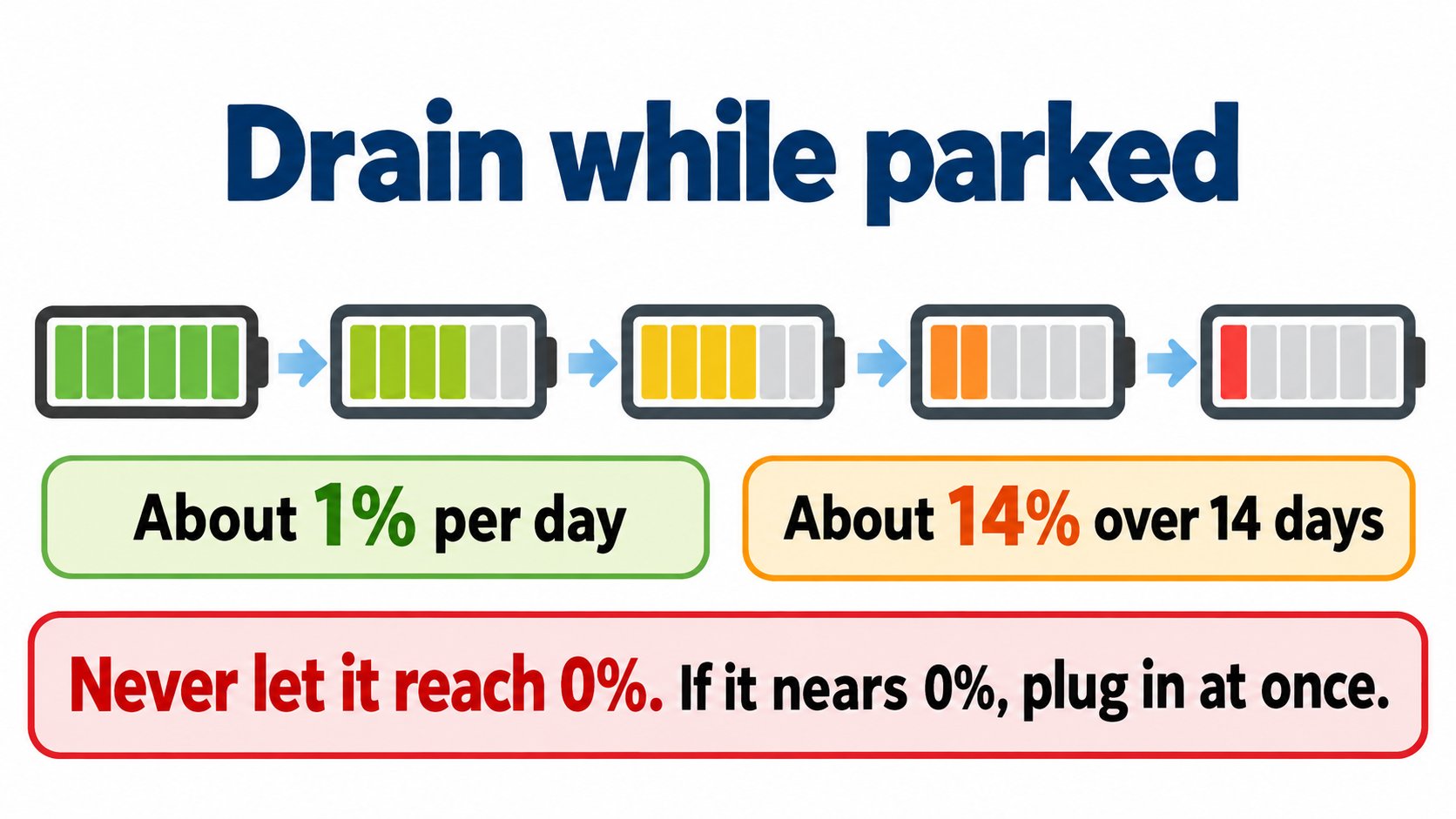
- Even parked and unplugged, the Battery discharges slowly: about 1% per day, varying with cold and settings. For example, about 14% over 14 days.
- Never let it reach 0%. Near 0% the car enters a low-power mode, and the low voltage battery may go flat. If so, plug in immediately. Discharge to 0% can damage other components and is not covered by the warranty.
Other points
- After many DC fast-charging sessions the peak charge rate may decrease slightly. Charge rate is also lower when the Battery is cold, nearly full, or has aged (battery physics); charging may take a few minutes longer.
- Do not expose the car to ambient temperatures above 140°F (60°C) or below -22°F (-30°C) for more than 24 hours.
- The Battery needs no owner maintenance; do not open it. Do not use it as a stationary power source (this voids the warranty).
FAQ
Is it OK to charge to 100% every day?
For vehicles that recommend 80%, the manual advises a daily limit of about 80% and 100% before long drives.
Should I wait until the Battery is low before charging?
No. The manual says there is no advantage and regular charging keeps the Battery performing best.
What about long periods without driving?
Leave it at about 50% and, if possible, plugged in. If unplugged, remember it loses about 1% per day.
Summary
- Stay plugged in and charge often.
- Daily limit about 80% for vehicles recommending 80%. Do not stay near 0% or 100%.
- Prefer slower charging; Supercharge for trips.
- Store at about 50%, plugged in.
Sources (checked 2026-10-16)
- Model 3 Owner's Manual, "High Voltage Battery Information" (North America, software 2026.32): https://www.tesla.com/ownersmanual/model3/en_us/GUID-7FE78D73-0A17-47C4-B21B-54F641FFAEF4.html
This article is for learning about science and technology and is not investment advice. Facts and the author's reading are kept separate. The figures are AI-generated illustrations.
Thank you for reading. Was this article useful to you?
Thank you. If you like, tell us what you thought in a line or two.
Optional. No name or email needed.
Received. We will use your words to make better articles.