According to the Model 3 owner's manual (2026.32), Speed Assist shows the speed limit on the touchscreen and lets you choose how you are warned when you exceed it. Warnings are Off, Display or Chime, based on a Relative offset or an Absolute limit you set (30 to 240 km/h in the Japanese edition). If the car cannot determine the limit, no sign or warning appears. The manual warns not to rely on Speed Assist to judge the right speed, and notes that it can show the limit of an adjacent road or use wrong map data.
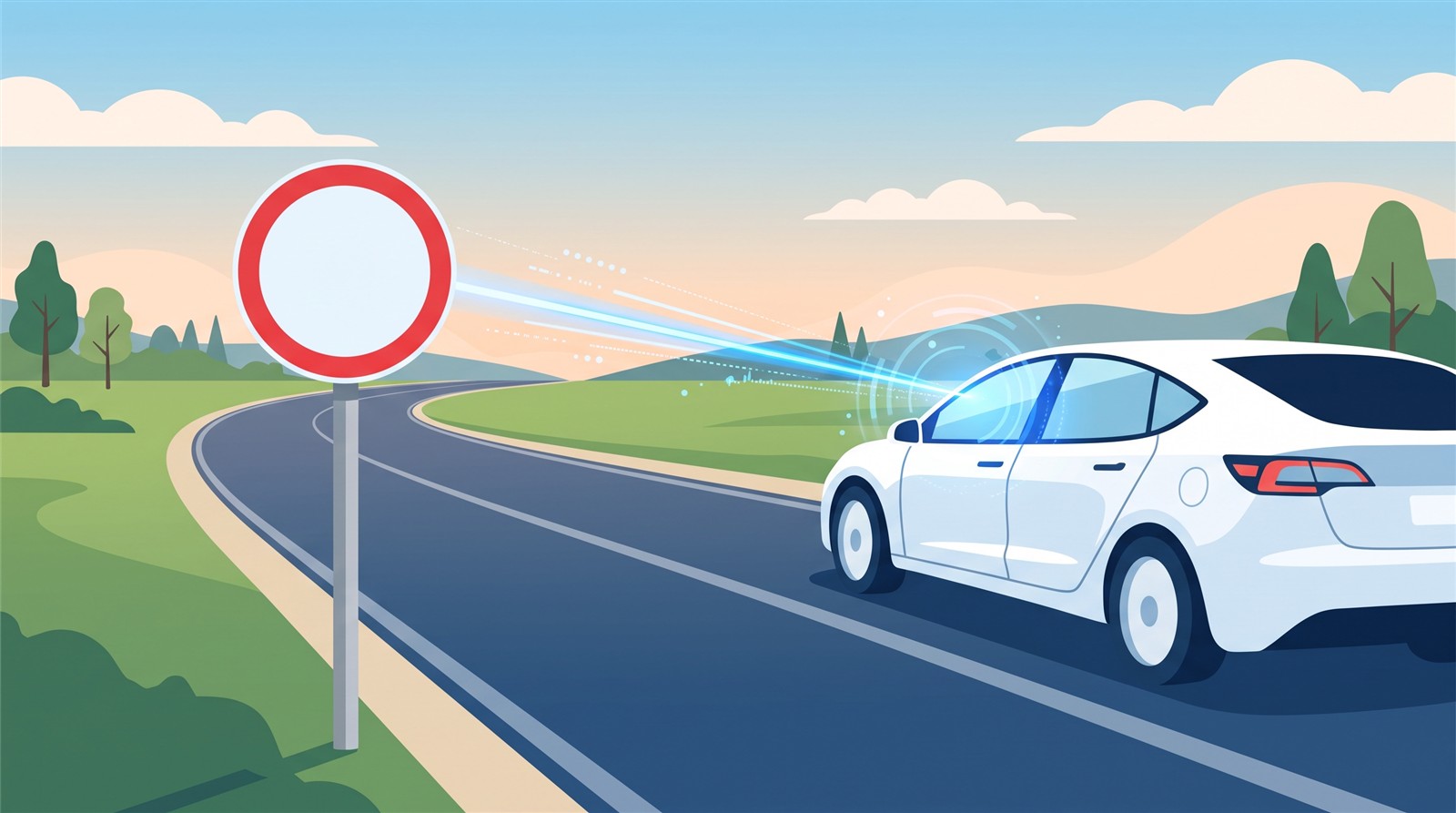
Can you always say the speed limit of the road you are on? Tesla's Speed Assist shows the speed limit on the screen and warns when you go over it. This article checks how to use it, why wrong limits can appear, and why not to rely on it, in the Model 3 owner's manual (North American and Japanese editions, software 2026.32).
In short: it shows the limit and warns when you exceed it. But it is not always accurate, and you must not rely on it to judge your speed
The two editions say the same thing:
- The speed limit appears on the touchscreen, and you can choose how you are warned when you exceed it.
- A blue outline around the speed limit icon means you are above the limit.
- Instead of the detected limit, warnings can be based on a limit you enter manually.
- With Traffic-Aware Cruise Control, touching the sign changes the set speed to the detected limit (with any offset) (see Cruise control).
- If the car cannot determine a limit, or is unsure the acquired limit is accurate, no sign appears and warnings do not take effect.
- The warning goes away after ten seconds, or when the car slows below the limit.
The most important warning: "Do not rely on Speed Assist to determine the appropriate speed limit or driving speed. Always drive at a safe speed based on traffic and road conditions."
Warning settings
In Controls > Self-Driving (the Japanese edition says "Drive Assist") > Speed Limit Warning, choose one of three:
| Setting | What it does |
|---|---|
| Off | No speed limit warnings and no chimes |
| Display | The speed limit sign shows on the screen, and grows larger when you exceed the limit |
| Chime | As well as the display, a chime sounds when you exceed the limit |
You can also choose how the limit is determined:
| Basis | What it does |
|---|---|
| Relative | Set an offset (+ or −) from the limit. For example, +10 km/h warns you only when you exceed the limit by 10 km/h |
| Absolute | Manually set any limit between 30 and 240 km/h (20 and 140 mph in the North American edition) |
Your choice is kept until you change it.
Why a wrong speed can appear
The manual says plainly: "Speed Assist is not always accurate."
- The car can miscalculate the location of a road and show the limit of a directly adjacent road. For example, it can assume you are on a controlled-access highway when you are actually on a nearby surface street (or the reverse).
Main situations where it may not work or may be inaccurate (the manual says the list is not exhaustive):
- Signs are hard to see in heavy rain, snow or fog.
- Bright light from oncoming headlights or direct sun interferes with the cameras.
- You are very close to the vehicle ahead, blocking the camera's view.
- The part of the windshield in front of the camera is fogged, dirty or covered by a sticker.
- Signs are hidden by objects.
- Speed limits in the map database are incorrect or outdated.
- GPS or map data is unavailable, or signs cannot be detected.
- Digital or temporary signs that do not follow standard formats.
- A road or speed limit has recently changed.
[Author's reading (not a confirmed fact)]
Because the manual assumes both sign reading and map data and lists detailed examples of errors, the car appears to combine signs read by the cameras with limits stored in the map. But how they are actually combined cannot be known from the manual's text.
FAQ
Does Speed Assist automatically set my speed to the limit?
No. It is a display and warning feature. With cruise control, touching the speed limit sign changes the set speed to the limit (manual).
Can I avoid warnings for slightly exceeding the limit?
Yes. With "Relative", set an offset such as +10 km/h, and warnings appear only when you exceed it by that amount (manual).
Why does the displayed limit differ from the real one?
The sign may be hard to see, the map may be old, or it may show the speed of an adjacent road. The manual says it is not always accurate and warns you not to rely on it.
Why does no sign appear sometimes?
When the car cannot determine the limit, or the acquired limit may be inaccurate (manual).
When does a warning go away?
After ten seconds, or when you slow below the limit (manual).
Summary
- Speed Assist shows the speed limit on the screen and warns when you exceed it. It does not limit your speed automatically.
- Warnings are Off, Display or Chime, based on a Relative offset or an Absolute limit (30 to 240 km/h).
- It is not always accurate (adjacent roads, old maps, hidden signs). The manual warns: do not rely on it to judge speed.
Related articles: Traffic-Aware Cruise Control, Autosteer, Lane Assist, Collision avoidance.
Next article: coming soon.
Sources (checked 2026-10-18)
- Tesla, "Model 3 Owner's Manual (2024+, software 2026.32, North America)", Speed Assist: https://www.tesla.com/ownersmanual/model3/en_us/GUID-5D3D4014-4E98-45D7-8BBC-F76BCA9CEC05.html
- Tesla, "Model 3 Owner's Manual (Japanese edition)", Speed Assist: https://www.tesla.com/ownersmanual/model3/ja_jp/GUID-5D3D4014-4E98-45D7-8BBC-F76BCA9CEC05.html
This article is for learning about science and technology and is not investment advice. Facts and the author's reading are written separately. Figures are AI-generated illustrations.
Thank you for reading. Was this article useful to you?
Thank you. If you like, tell us what you thought in a line or two.
Optional. No name or email needed.
Received. We will use your words to make better articles.