According to the Model 3 owner's manual (2026.32), Autopark steers the car into parallel and perpendicular spaces while the driver supervises, and requires a driving speed under 13 km/h (8 mph). Summon lets you park or retrieve the car from outside with the app. The North American edition gives a phone-to-car range of about 85 m (279 ft), a maximum travel of about 475 m (1,558 ft) and 7.5 minutes; the Japanese edition gives other numbers (12 m in and out of a space, 20 m for Smart Summon). Both require the driver to supervise at all times.
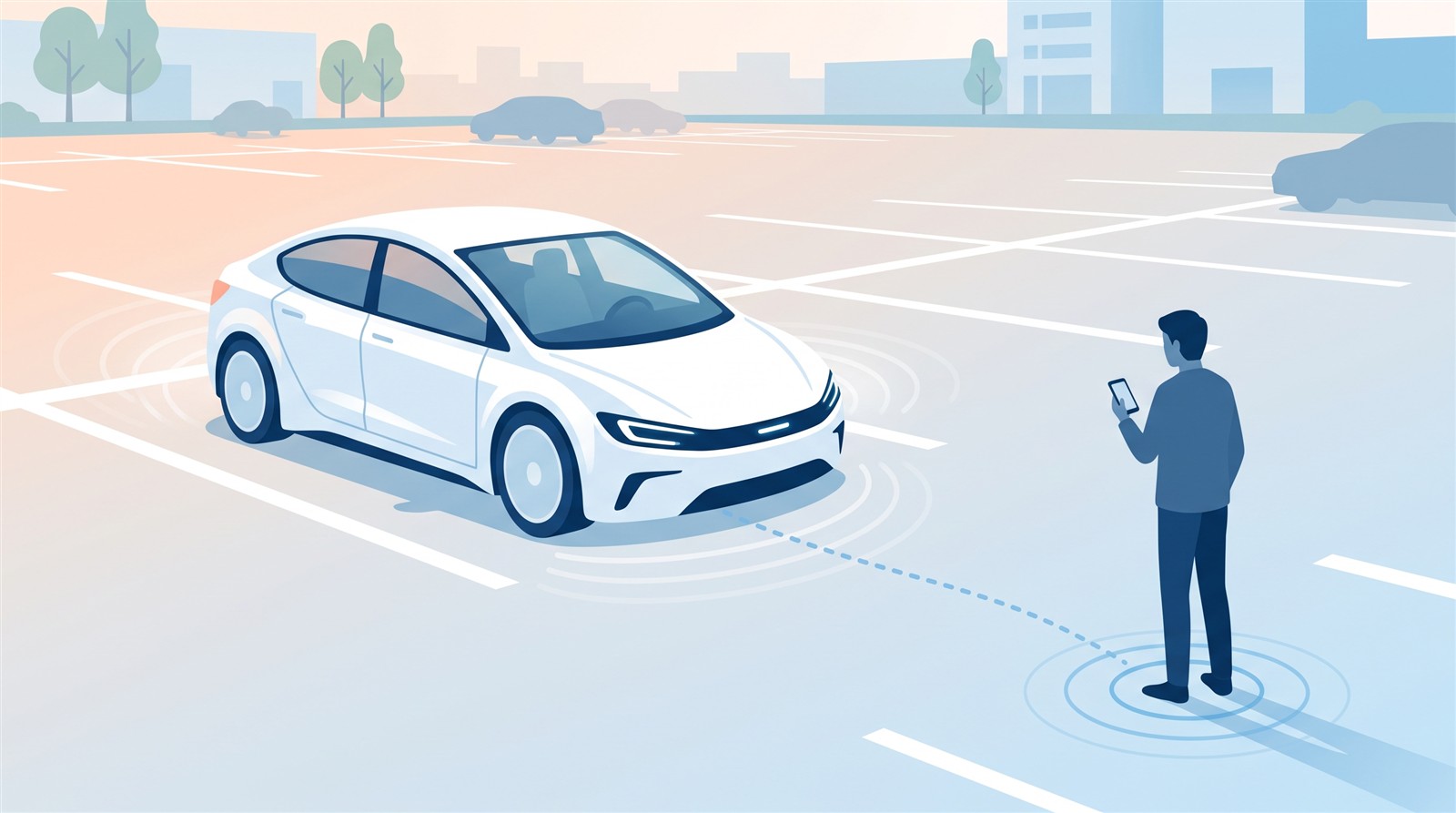
Tesla has two features that let the car do the parking: Autopark, which parks the car (parallel or perpendicular) while you sit in the driver's seat, and Summon, which moves the car while you stand outside and use the app. This article checks what they do, their conditions and their limits in the Model 3 owner's manual (North American and Japanese editions, software 2026.32).
In short: Autopark is parking you supervise from inside, Summon is moving you supervise from outside. Both assume a person is watching at all times
| Autopark | Summon | |
|---|---|---|
| Where the driver is | In the driver's seat (hands off the wheel, touch Start) | Outside (hold a button in the app) |
| What it does | Steers the car into a parallel or perpendicular space | Moves the car in or out of a space, or brings it to you |
| Key conditions | Driving speed under 13 km/h (8 mph), and more | Phone-to-car distance, private property, holding the button, and more |
| Responsibility | The driver ("never depend on Autopark") | The driver (a "supervised feature") |
Autopark (self-parking)
Conditions (the same in both editions)
Perpendicular parking:
- Driving speed under 13 km/h (8 mph). Too fast, and the space may not be detected correctly.
- The space must be at least as wide as the car.
- At least three visible lines (parking lines, road markings or a distinct curb). It may not work in a garage without three visible lines.
- It may not work on textured surfaces such as cobblestone or brick.
Parallel parking:
- Driving speed under 13 km/h.
- There must be a vehicle in front of or behind the space.
Angled spaces are not supported (manual).
How to use it
- Drive slowly and watch the screen for parking spaces the car has found (once it is safe to look).
- Pick a space, let go of the steering wheel, and touch Start.
- A message appears when parking is complete.
To use Autopark you must enable Autosteer (the North American edition says Autosteer or FSD (Supervised); the Japanese edition says Autosteer) in Controls. It is unavailable while Traffic-Aware Cruise Control is on.
When it cancels
According to the manual, the parking sequence is cancelled when:
- you move the steering wheel by hand
- you shift
- you press the brake pedal
- you press the right scroll button on the steering wheel
- a door is opened
- the car detects that the driver has left the seat
- the sequence needs more than seven moves (the Japanese edition says "seven or more")
(The Japanese edition also lists pressing the accelerator. The North American edition says that pressing the accelerator and exceeding 10 km/h (6 mph) cancels it.)
The "Take Over Immediately" message and chime appear when a door is opened, a camera is dirty or blocked (mud, ice, snow, stickers) or cannot see (heavy rain, darkness), speed exceeds 10 km/h, or Automatic Emergency Braking triggers.
When not to use it
- Do not use it with a ball hitch, bike rack or trailer on the tow hitch (it may not stop for the hitch).
- Dirty cameras, rain and faded lane markings affect performance.
- The manual says: "Never depend on Autopark to find a parking space that is legal, suitable, and safe. Always perform visual checks."
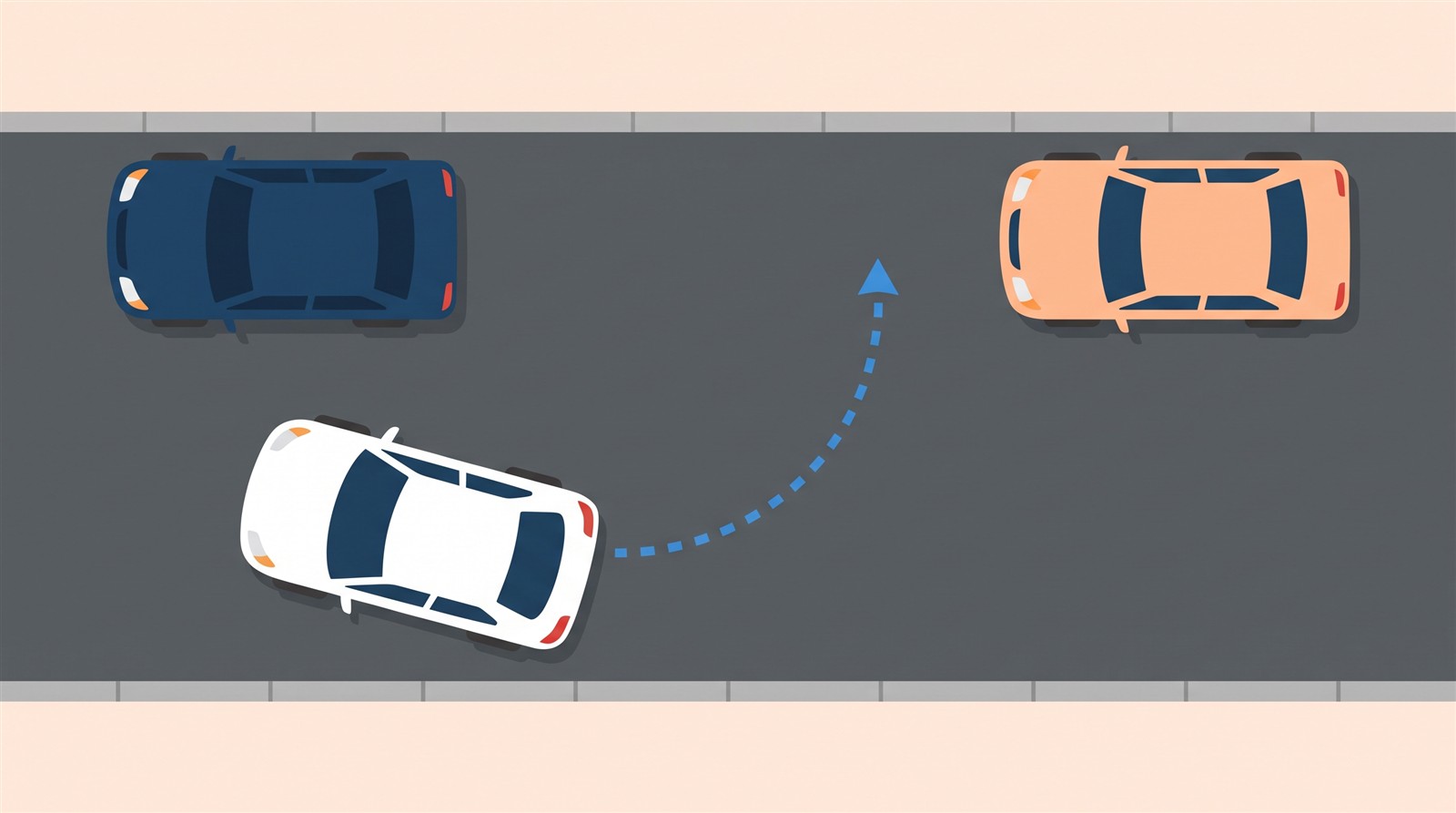
Summon (moving the car from outside)
Summon moves the car from outside, using the phone app. Here the two editions differ a lot: for the same software version (2026.32), the feature names and numbers are different.
The North American edition (English)
There are two kinds:
- Dumb Summon: moves the car straight forward or backward into or out of a space, only while you hold the button.
- Actually Smart Summon (ASS): the car moves to your location (the phone's GPS) or to a place you pick on the map, maneuvering around objects.
| Item | North American edition |
|---|---|
| Phone-to-car distance | Within about 85 m (279 ft). Beyond that, speed is limited to 3 mph (about 5 km/h); at about 100 m it pauses; at about 105 m it stops and ends |
| Maximum per session | About 475 m (1,558 ft), or 7.5 minutes of continuous movement, then it aborts and shifts into Park |
| Where | Private property: parking lots and driveways with a familiar, predictable surrounding. Smart Summon cannot be used on public roads (Dumb Summon may be used with extreme caution, but never to enter the roadway) |
| Car state | In Park, not charging, all doors and trunks closed, cameras calibrated |
| Tire pressure | All four at 34 PSI or higher (per TPMS) |
| App | Tesla mobile app 4.38.0 or newer; the phone set up as a phone key |
| Standby Mode | Shortens start-up but uses extra battery. It turns off automatically from midnight to 6 a.m. and in Low Power Mode, and disables after 24 hours in Park |
You use it while watching live camera feeds in the app. With Premium Connectivity it shares the Sentry Mode "View Live Camera" limit (1 hour, or 15 minutes in some regions, per day); without it, the stream is limited to 2 minutes. But while Summon is actually moving the car there is no limit (Sentry Mode and Dashcam).
Not available when (manual): in Valet Mode, Pet Mode or Drag Strip Mode; also unlikely to work with accessories such as roof racks, in Trailer Mode, with poor GPS or cellular coverage, on unpaved surfaces, or on slopes steeper than 20% (above 10% the speed is limited to 3 mph).
The Japanese edition (Japanese)
The Japanese edition has two pages, "Summon" and "Smart Summon". Both begin with this sentence:
"This feature may be temporarily limited or disabled until enabled by a future software update for vehicles built from about September 2023." (translated)
| Item | Japanese edition |
|---|---|
| Summon (straight in and out) | Moves the car up to 12 m forward or backward between a parking space and outside. A valid key must be nearby. Called a "beta" feature |
| Smart Summon | Moves to the phone's GPS position or a chosen spot, avoiding obstacles. A "beta" feature. The map shows a blue circle with a usable range of "65 m". Maximum travel 20 m |
| "Come to Me" | Arrives within 1 m of you, stops and shifts into Park |
| At the start | Hazard lights flash and the mirrors fold |
| Where | Parking lots and private property. Not on public roads. Paved roads only |
The Japanese Smart Summon page also says the phone must be "within about 6 m" of the car, which conflicts with "65 m" on the same page. The manual does not let me confirm which is correct.
Why they differ (what is known, what is not)
- The North American edition describes Dumb Summon and Actually Smart Summon, with detailed numbers such as distance and tire pressure.
- The Japanese edition has different names and numbers, and says the feature "may be temporarily limited or disabled until enabled by a future software update."
- Which behavior a car in Japan has today cannot be confirmed from the manual alone.
[Author's reading (not a confirmed fact)]
Because the manual asks you to take your hands off the wheel for Autopark and to keep holding a button for Summon, both seem designed so that the driver can stop them at any moment. But the actual behavior cannot be known from the manual alone.
FAQ
What kinds of parking can Autopark do?
Parallel and perpendicular parking. Angled spaces are not supported (manual). Conditions include a driving speed under 13 km/h.
How far will Summon move the car?
The North American edition says the phone must be within about 85 m, with a maximum of about 475 m per session. The Japanese edition says up to 12 m in and out of a space, and up to 20 m for Smart Summon. The numbers differ, so check your own car's screen and the latest manual.
Can Summon be used on public roads?
Smart Summon cannot (both manuals). The North American edition says Dumb Summon may be used on public roads with extreme caution, but never to enter the roadway.
Can I use it without being in the car?
Summon is used from outside the car, but the manual requires you to monitor the car and surroundings and be ready to stop it at all times. Autopark is used from the driver's seat while you watch.
Does it work on cars in Japan?
The Japanese manual describes Summon but also says it "may be temporarily limited or disabled." How it actually behaves is not confirmed.
Summary
- Autopark is parking supervised from the driver's seat: speed under 13 km/h, at least three visible lines, parallel and perpendicular only, no angled spaces.
- Summon moves the car from outside by holding a button in the app, on private property, with a person watching at all times.
- The North American edition: about 85 m, up to about 475 m, 7.5 minutes, tires at 34 PSI or more. The Japanese edition: up to 12 m, Smart Summon up to 20 m. The numbers and content differ.
Related articles: Doors and locks, Collision avoidance, Tire pressure (TPMS), FSD vs Autopilot, Parked energy use.
Next article: coming soon.
Sources (checked 2026-10-18)
- Tesla, "Model 3 Owner's Manual (2024+, software 2026.32, North America)", Autopark: https://www.tesla.com/ownersmanual/model3/en_us/GUID-0C763E08-D0B8-4404-8180-1054F635C08C.html
- Tesla, "Model 3 Owner's Manual", Summon: https://www.tesla.com/ownersmanual/model3/en_us/GUID-7D207174-88CD-4795-8265-9162A72AA578.html
- Tesla, "Model 3 Owner's Manual (Japanese edition)", Autopark: https://www.tesla.com/ownersmanual/model3/ja_jp/GUID-0C763E08-D0B8-4404-8180-1054F635C08C.html
- Tesla, "Model 3 Owner's Manual (Japanese edition)", Summon: https://www.tesla.com/ownersmanual/model3/ja_jp/GUID-805ADFBA-A8DC-421E-8B24-2E5A6BF2445A.html
- Tesla, "Model 3 Owner's Manual (Japanese edition)", Smart Summon: https://www.tesla.com/ownersmanual/model3/ja_jp/GUID-9A8A9E74-FDAF-4278-BD92-FCB58A4266BA.html
This article is for learning about science and technology and is not investment advice. Facts and the author's reading are written separately. Figures are AI-generated illustrations.
Thank you for reading. Was this article useful to you?
Thank you. If you like, tell us what you thought in a line or two.
Optional. No name or email needed.
Received. We will use your words to make better articles.