According to the Model 3 owner's manual (2026.32), Traction Control constantly monitors the speed of the front and rear wheels and, when traction is lost, controls brake pressure and motor power to minimize wheel spin. It is on by default and should normally stay on. Stuck Assist deliberately lets the wheels spin when stuck in mud or snow and turns itself off the next time the car starts. Vehicle Hold keeps the brakes applied after stopping and shifts into Park after about ten minutes. Acceleration modes reduce range and efficiency when set higher; setting them lower can make cabin heating more efficient.
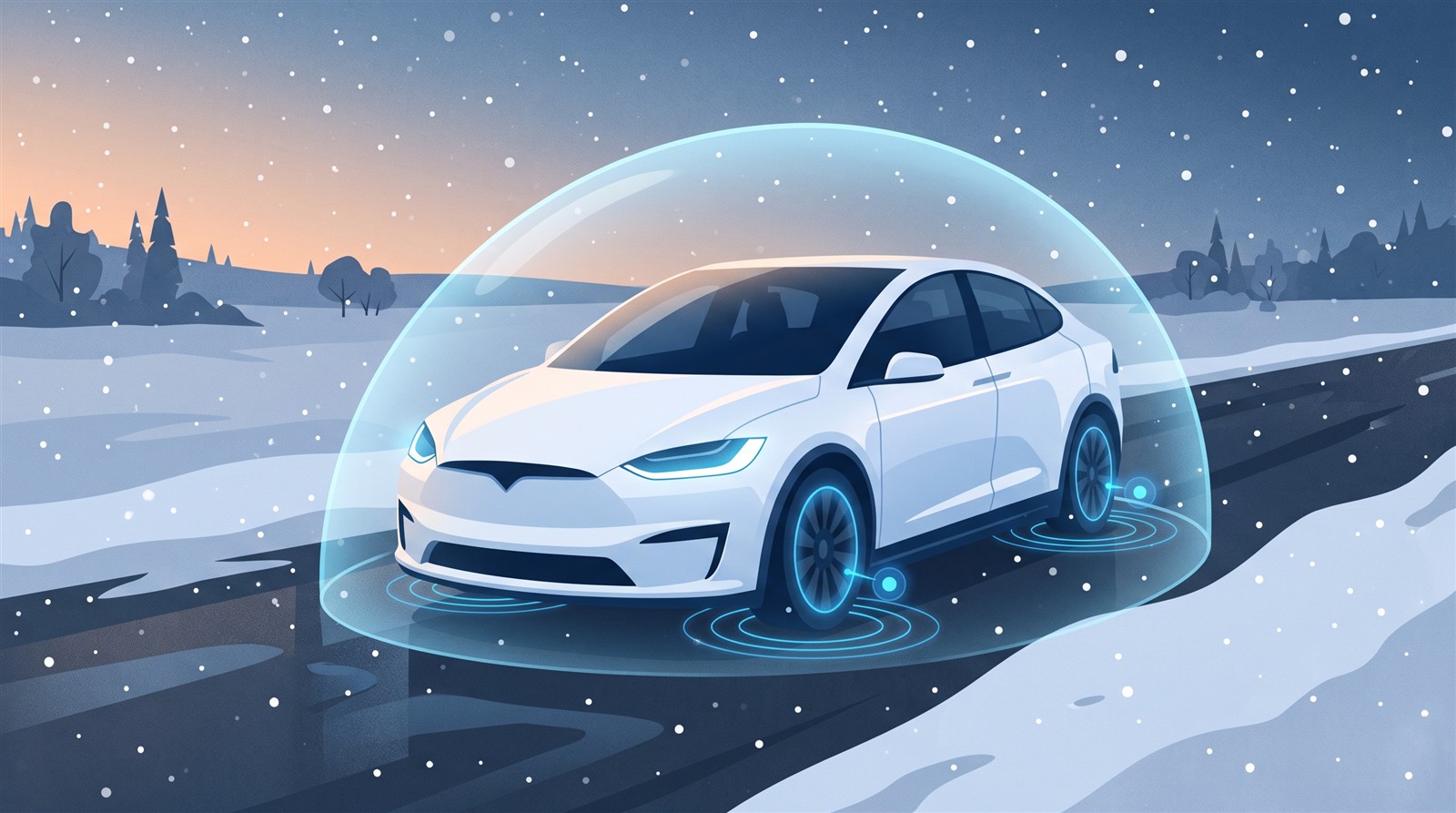
Have you ever pressed the accelerator on a snowy road and felt the tires spin? A Tesla has features that limit slipping, keep the car stopped and let you choose how strongly it accelerates. This article checks what the four features do, and what to watch out for, in the Model 3 owner's manual (North American and Japanese editions, software 2026.32).
In short: four features that support how the car moves, mostly in Controls > Dynamics
| Feature | In a phrase | Default |
|---|---|---|
| Traction Control | Limits wheel spin | On (normally keep it on) |
| Stuck Assist | Lets the wheels spin on purpose when stuck in mud or snow | Off (turn on only when needed; it turns off at the next start) |
| Vehicle Hold (the Japanese edition calls it "Auto Brake Hold") | Keeps the brakes on while stopped, even with your foot off the pedal | I found no default stated in the manual |
| Acceleration modes | Choose how strongly the car accelerates | I found no default stated in the manual |
Traction Control: when a tire is about to slip, the brakes and motor step in
The manual says:
- It constantly monitors the speed of the front and rear wheels.
- When traction (the grip between tire and road) drops, it controls brake pressure and motor power to minimize wheel spin.
- It is on by default, and should normally stay on for safety.
- While it is working, a yellow indicator flashes on the touchscreen. If the indicator stays on, a fault has been detected; contact Tesla Service.
- The manual warns that it "cannot prevent collisions caused by driving dangerously or turning too sharply at high speeds."
[Author's analogy (not the manual's text)]
If you compare how fast the four tires turn and one is spinning faster than the others, that tire is probably slipping. Braking that tire or reducing motor power helps it grip again. That is the basic idea.
Settings (Controls > Dynamics)
- Auto: continuously detects the characteristics of the road surface and adapts Traction Control automatically.
- Slippery Surface: distributes traction evenly across all tires for more traction and stability on rain, snow or ice.
- Stuck Assist: explained next.
Stuck Assist: let the wheels spin, but only when stuck
Stuck Assist is meant to help when the car is stuck in mud, snow or ice. When on, the wheels are allowed to spin (up to a limited speed) so you can rock the car free.
The manual's cautions:
- Normally leave it off. Turn it on only when you deliberately want the wheels to spin: starting on gravel or snow, driving in deep snow, sand or mud, rocking out of a hole or deep rut.
- It can be enabled at any speed, but is less effective at higher speeds.
- A warning message appears on the screen when it is on.
- It turns off automatically the next time you start the car, but you are strongly recommended to turn it off as soon as it is no longer needed.
- It cannot be enabled while using Self-Driving features. Track Mode overrides it.
Vehicle Hold: after you stop, the brakes stay on
The North American edition calls it "Vehicle Hold"; the Japanese edition calls it "Auto Brake Hold".
- After the car has stopped, it can keep the brakes applied even with your foot off the brake pedal.
- An indicator shows on the touchscreen while it is active.
- To release it, press the accelerator, or press and release the brake pedal. Shifting into Neutral also releases it.
- After about ten minutes of active braking, the car shifts into Park and Vehicle Hold cancels. It also shifts into Park if it detects the driver has left.
It can reduce foot fatigue at lights or on hills (that use is my note, not the manual's text).
Acceleration modes: stronger settings affect range and heating efficiency
In "Controls > Dynamics > Acceleration" you can adjust how much acceleration you feel. The manual says:
- Using increased torque and power can reduce range and efficiency.
- Lowering the selected acceleration mode can make cabin heating more efficient: instead of keeping the battery ready for peak acceleration, the heat pump system can take more heat from the battery to heat the cabin efficiently.
- This helps maximize driving efficiency in cold weather.
- If you raise the mode again later, the battery needs time to warm up before the higher acceleration is available.
The names of the modes and the acceleration figures are not given on this page. Related: Heat pump, Battery preconditioning, Range estimates.
FAQ
Can Traction Control be turned off?
It is on by default, and the manual advises keeping it on normally. For special situations where you want the wheels to spin, turn on "Stuck Assist".
When should I use Stuck Assist?
When stuck in mud, snow or ice; starting on snow or gravel; driving in deep snow, sand or mud; or rocking out of a hole or rut. The manual strongly recommends turning it off as soon as it is no longer needed.
How long does Vehicle Hold keep the brakes on?
After about ten minutes of braking, the car shifts into Park and the hold cancels (manual).
What changes if I lower the acceleration mode?
Range and efficiency can improve, and in winter cabin heating can become more efficient, the manual says.
What is the Slippery Surface setting?
It distributes traction evenly across all tires to improve traction and stability on rain, snow or ice (manual).
Summary
- Traction Control monitors front and rear wheel speed and limits wheel spin with the brakes and motor. On by default; normally keep it on.
- Stuck Assist lets the wheels spin only when stuck. It turns off at the next start, and cannot be used with Self-Driving features.
- Vehicle Hold (Auto Brake Hold in the Japanese edition) keeps the brakes on after stopping and shifts into Park after about ten minutes.
- Acceleration modes: higher settings affect range and efficiency; lower settings can make winter heating more efficient.
Related articles: How brakes work, Regenerative braking, Tire pressure (TPMS), Heat pump.
Next article: coming soon.
Sources (checked 2026-10-18)
- Tesla, "Model 3 Owner's Manual (2024+, software 2026.32, North America)", Traction Control: https://www.tesla.com/ownersmanual/model3/en_us/GUID-CC0F27E7-FD78-448D-B739-209EBBEDF2C3.html
- Tesla, "Model 3 Owner's Manual", Vehicle Hold: https://www.tesla.com/ownersmanual/model3/en_us/GUID-4F680094-175E-44C3-8801-4965887055BE.html
- Tesla, "Model 3 Owner's Manual", Acceleration Modes: https://www.tesla.com/ownersmanual/model3/en_us/GUID-8EAFF5D8-7209-45ED-A7E0-508FFA60C530.html
- Tesla, "Model 3 Owner's Manual (Japanese edition)", Traction Control: https://www.tesla.com/ownersmanual/model3/ja_jp/GUID-CC0F27E7-FD78-448D-B739-209EBBEDF2C3.html
- Tesla, "Model 3 Owner's Manual (Japanese edition)", Auto Brake Hold: https://www.tesla.com/ownersmanual/model3/ja_jp/GUID-4F680094-175E-44C3-8801-4965887055BE.html
- Tesla, "Model 3 Owner's Manual (Japanese edition)", Acceleration Modes: https://www.tesla.com/ownersmanual/model3/ja_jp/GUID-8EAFF5D8-7209-45ED-A7E0-508FFA60C530.html
This article is for learning about science and technology and is not investment advice. Facts and the author's reading are written separately. Figures are AI-generated illustrations.
Thank you for reading. Was this article useful to you?
Thank you. If you like, tell us what you thought in a line or two.
Optional. No name or email needed.
Received. We will use your words to make better articles.